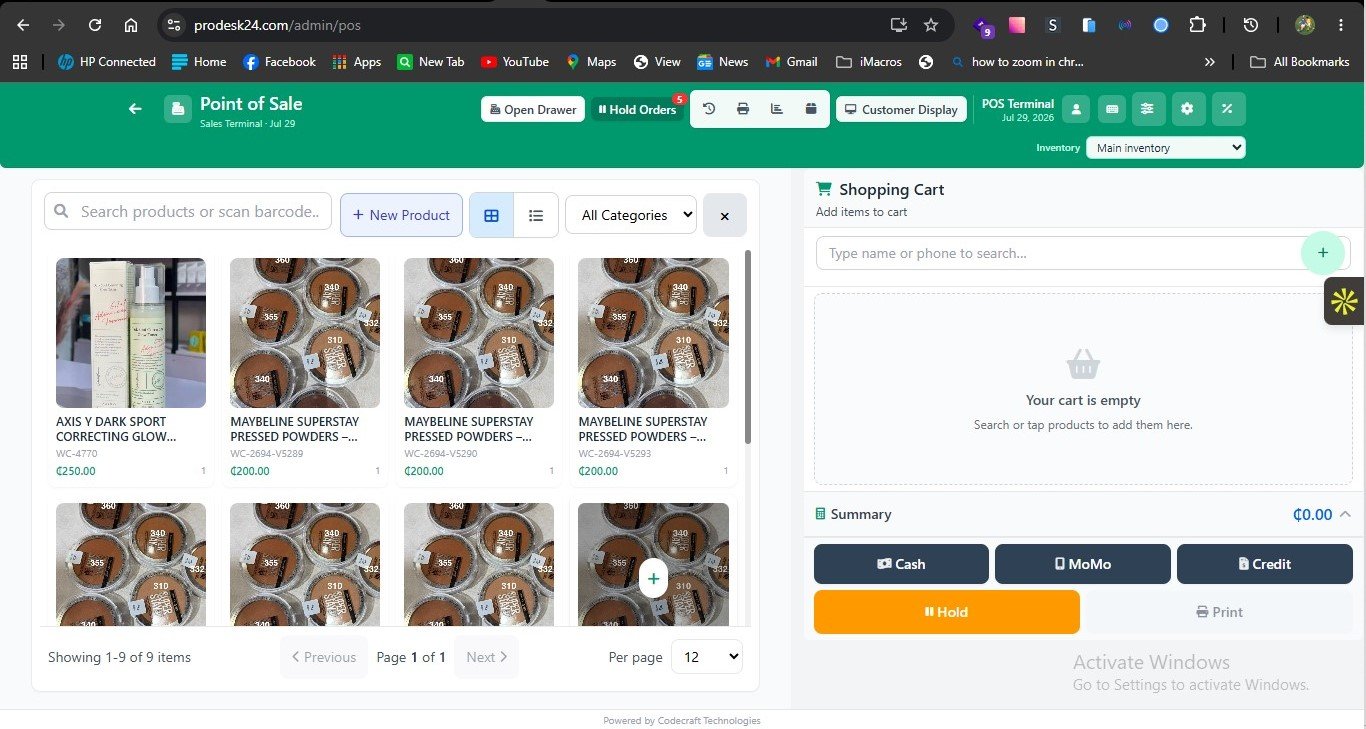
Learning how to migrate from Excel to a POS system is mostly preparation — then a calm go-live.
Practical steps that work for Ghanaian SMEs
Clean product names, prices, and opening quantities in a sheet first.
Import or enter products, then verify a sample count on shelves.
Train cashiers on a quiet morning with a checklist.
Run Excel in parallel for 2–3 days only if needed, then cut over fully.
prodesk24 onboarding can walk this with you on a migration demo.
Frequently asked questions
What data must I migrate?
Products, prices, opening stock, and key customers if you invoice on credit.
Will I lose historical Excel data?
Keep archives; new system becomes the source of truth going forward.
Ready to see it live? Book a free demo or compare pricing.